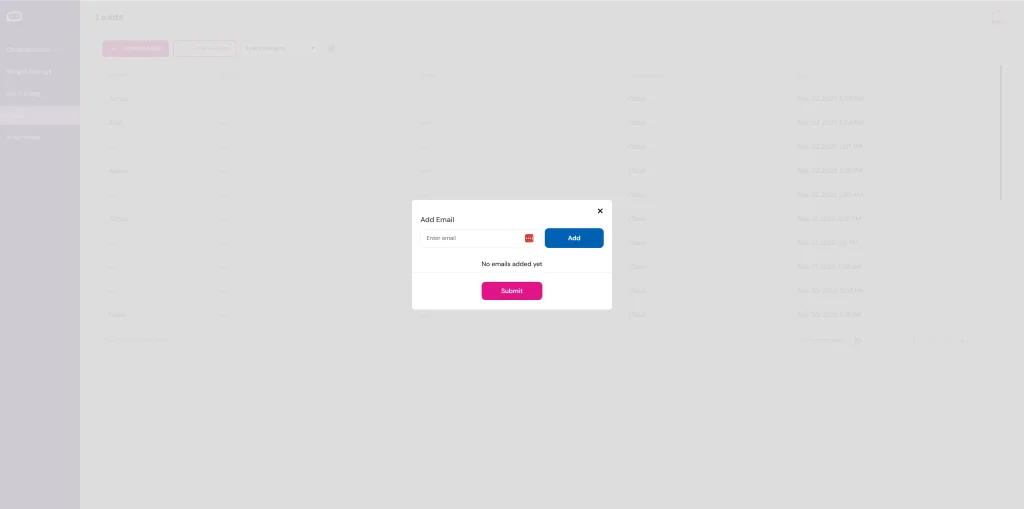
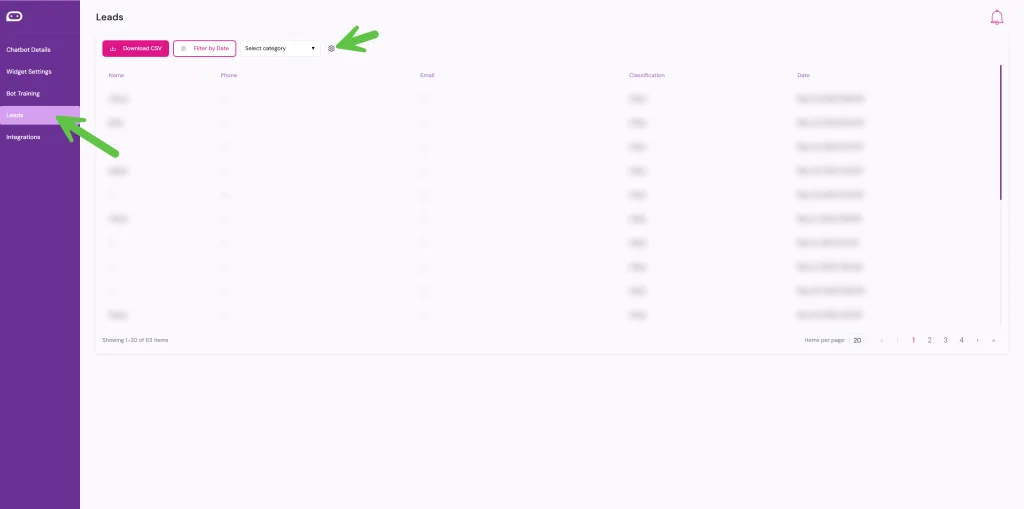
Want to make sure you never miss a new lead? It’s easy with UpChat.io. Start by heading to the Leads section in your dashboard, then click the gear icon to open your lead settings. From there, simply enter the email addresses where you’d like lead notifications sent. You can add multiple recipients—perfect for making sure your sales or support team stays in the loop. Once saved, every new lead captured by your AI chatbot widget will be delivered straight to your inbox.
Step 1. Click Leads
Step 2. Click the gear icon
Step 3. Enter the email addresses where you want to receive leads